Write once, tailor per network
One post, adjusted for each network’s length and format, with previews that look like the real thing.
Invite-only beta
Plan, approve, and publish to Facebook, Instagram, Threads, LinkedIn, Pinterest, X, YouTube, and TikTok, then see what’s working across all of it. Built for agencies and freelancers who manage more than one brand.
Publishes directly through each network’s official API
One post, adjusted for each network’s length and format, with previews that look like the real thing.
Everything scheduled and already published, by day, week, or month. Drag to reschedule; suggested times show when to post.
Teammates submit, admins approve. Clients review upcoming posts from a private link, with no account needed.
Reach, engagement, and follower growth for each account, including posts made outside SignalDesk. Branded client reports in a click.
Caption drafts in each client’s voice, proofreading, image descriptions, and trend research with sources.
Posting queues, reusable evergreen posts, and Autopilot that turns a blog’s new articles into scheduled posts.
SignalDesk is in a free, invite-only beta while we work with a small group of agencies and freelancers. Tell us a little about your work and we’ll be in touch.
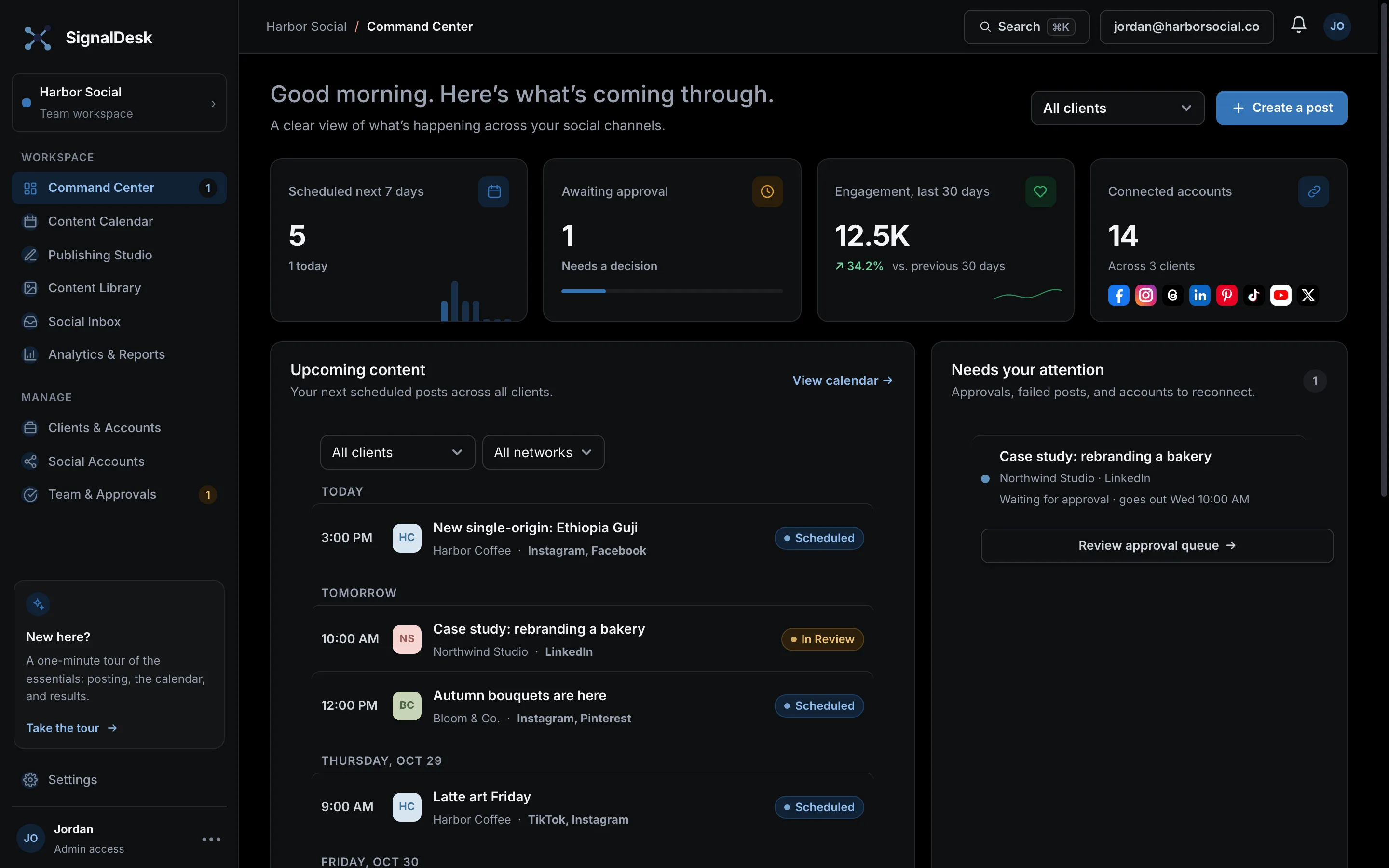
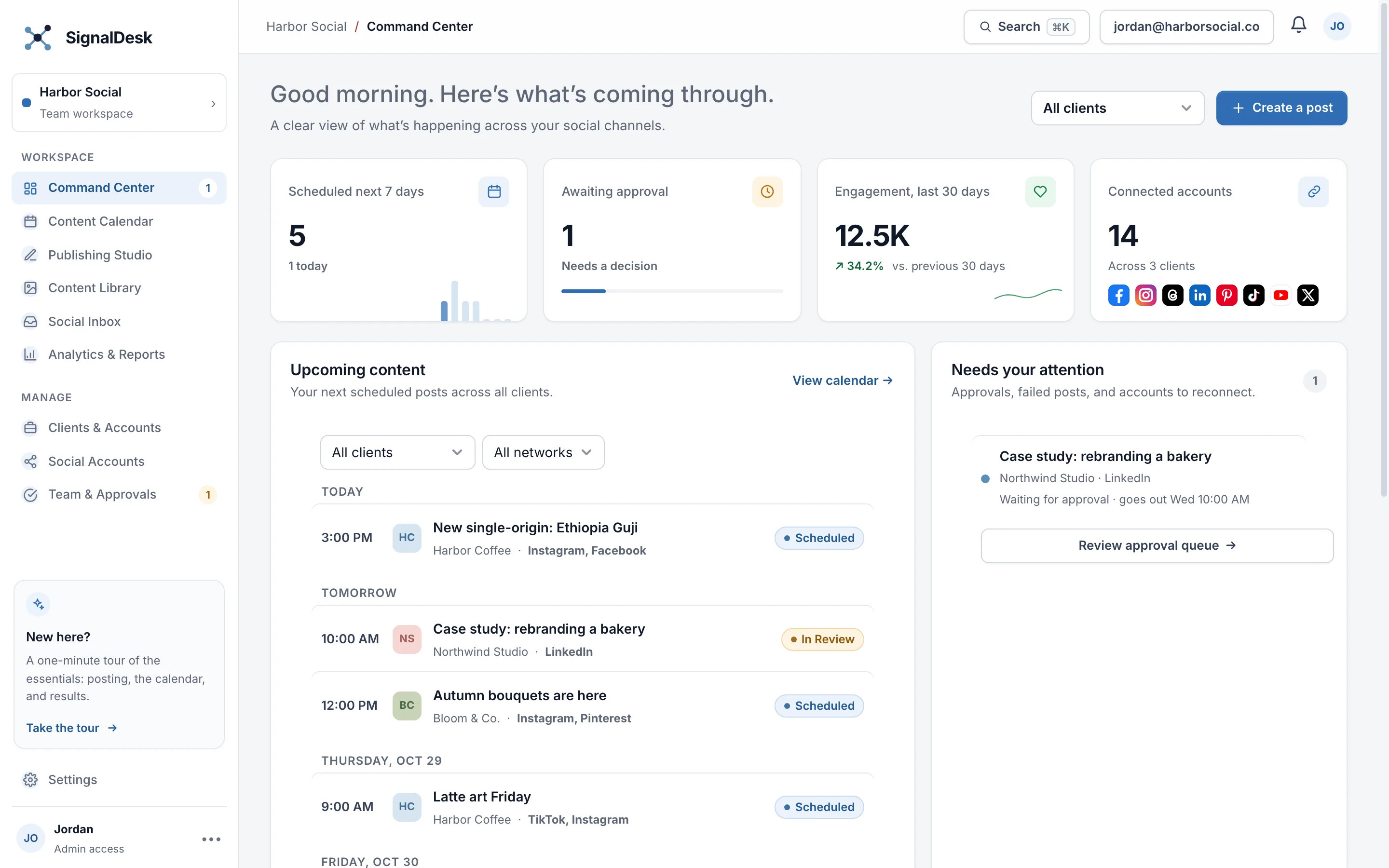
A clear view of what’s happening across your social channels.
Your next scheduled posts across all clients.
Keep the approval queue moving.
Progress toward the goals set in each brand kit.
Engagement across your connected channels.
Every planned post, plus everything already published on your connected accounts.
Turns new articles from a blog or news feed (RSS) into posts, scheduled for you or sent for approval.
Draft, tailor, and schedule content for your channels.
Pick the client and the accounts for this post.
Write it once, then adjust it for any network if you like.
Images and video
Tags, collaborators, privacy, comments, and repeats. All optional.
Pick a time, or send it for approval first.
Approximate platform preview
Keep brand files, reusable copy, and trend ideas in one place.
AI research on what’s moving right now: hashtags, audio, formats, and standout posts, with sources.
Comments on your published posts, in one place.
Understand what resonates and report on progress.
Clicks on short links in the last 30 days. Turn on “Count clicks with short links” when you post.
A branded summary for a client: totals, top posts, and results by network. Opens in a new tab, ready to save as a PDF.
Every published post for the week, ranked by the metric you choose.
Engagement is likes + comments + shares + saves + clicks unless the network reports its own total. Engagement rate is engagement ÷ reach (or views when reach isn't reported). Reach is organic where the network separates it from paid. Metrics a network doesn't provide show as —.
Keep client workspaces and social channels organized.
Connect and manage each client’s social profiles.
Facebook, Instagram, LinkedIn, and Pinterest connect directly through each network. For TikTok, YouTube, X, Threads, and Instagram Stories, SignalDesk reminds you at the scheduled time with the copy ready to paste.
Review drafts, leave feedback, and keep publishing on track.
Workspace preferences and account setup.
Manage how your team uses SignalDesk.
Admins manage users, clients, accounts, and settings. Users can use the Command Center, Content Library, and Publishing Studio, and their posts need admin approval.
Invited people join this workspace when they create a SignalDesk account with that email and confirm it.
Only platform owners see this. New people need an invite code to create a workspace; teammates you invite to a workspace don’t.
| Code | For | Used | Status | Expires |
|---|
Checks what’s configured, whether the scheduler is running, and what failed recently.
Comments on your posts
Read and answer comments on posts SignalDesk published to Facebook, Instagram, and LinkedIn.
Choose a post to see its comments.